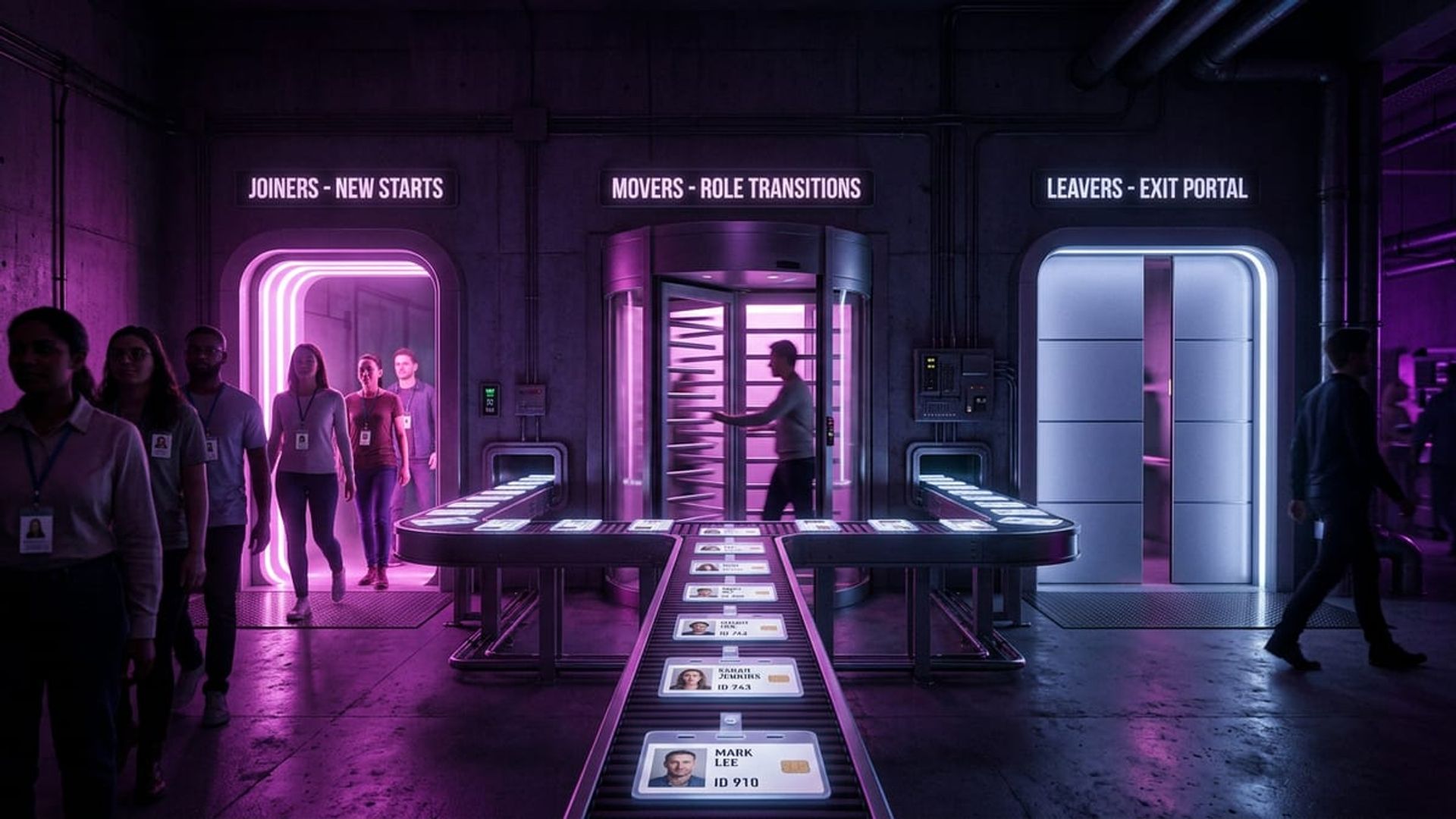
Entra ID Governance Lifecycle Workflows - Automating Joiners, Movers, and Leavers
I spent years building custom PowerShell scripts to handle user onboarding and offboarding. Years. So my relationship with Lifecycle Workflows in Entra ID Governance is… complicated. Part of me is thrilled there’s now a proper, supported way to automate joiners, movers, and leavers. The other part is staring at scripts I spent ages perfecting, knowing they’re heading for the bin. Such is life in this industry.
If your organisation is still running manual processes or a patchwork of scripts to handle identity lifecycle events, this one’s worth paying attention to. Here’s what Lifecycle Workflows actually do and why I think they’re a solid addition to the identity governance toolkit.
What Problem Are We Solving?
When someone joins your organisation, changes role, or leaves, a bunch of things need to happen to their identity and access. New starter? Account, licence, group memberships, welcome email, maybe a Temporary Access Pass so they can register for MFA on day one. Someone leaving? Disable the account, revoke sessions, pull them out of groups, convert the mailbox — you know the drill.
Most organisations I’ve worked with handle this through some combination of:
- Manual processes (someone following a checklist, hopefully the right version)
- Custom scripts triggered by HR systems
- Third-party identity governance tools
- All three at once, held together with optimism
Lifecycle Workflows brings all of this into the Entra ID Governance platform natively. No more maintaining custom code nobody understands. No more wondering whether whoever wrote that script three years ago actually documented it. And no more finding out on someone’s first day that the onboarding process failed silently — which, if you’ve ever had to deal with an angry new starter who can’t log in, you’ll know is not a fun morning.
How It Works
Three core concepts make it tick: triggers, conditions, and tasks.
Triggers define when a workflow runs. The common ones are:
- A set number of days before or after someone’s hire date
- A set number of days before or after their leave date
- On-demand (you fire it off manually)
These depend on the employeeHireDate and employeeLeaveDateTime attributes in Entra ID, so your HR system needs to be feeding those in. If you’ve got an HR inbound provisioning connector set up (Workday, SAP SuccessFactors, etc.), you’re probably fine. If not, that’s your first job.
Conditions scope which users a workflow applies to. Filter on department, job title, company, whatever attribute you need. This means you can run different onboarding workflows for different teams — engineering gets one thing, sales gets another.
Tasks are the actual actions. Out of the box, you get:
- Generate a Temporary Access Pass
- Add or remove users from groups
- Enable or disable user accounts
- Send a welcome email or custom notification
- Strip all licence assignments
- Delete the user account
- Remove access package assignments
- Run a custom task extension (I’ll come back to this)
The Built-In Templates
Microsoft ships several templates to get you going, and they’re actually decent. You’ve got:
- Pre-hire onboarding — runs before the start date to get things ready in advance
- Joiner onboarding — fires on or after the hire date to finish setup
- Mover — handles role changes
- Pre-offboarding — kicks off the leaver process before their last day
- Leaver offboarding — wraps things up after they’ve gone
- Real-time leaver — for when someone needs removing immediately
They’re a good starting point, but don’t just deploy them unchanged. Every organisation has its own peculiarities in how onboarding and offboarding works. Use the templates as a base, then adjust.
Custom Task Extensions - Where It Gets Powerful
The built-in tasks handle the common stuff, but custom task extensions are where things get interesting. They let you call out to Azure Logic Apps, which basically means you can do anything.
I set this up for a customer recently. Their offboarding workflow needed to:
- Disable the account (built-in task)
- Revoke all sessions (built-in task)
- Set an out-of-office reply on the user’s mailbox (custom task via Logic App)
- Transfer ownership of their Teams and SharePoint content to their manager (custom task via Logic App)
- Raise a ticket in ServiceNow for IT to collect hardware (custom task via Logic App)
Wiring up the Logic App isn’t difficult — create one with an HTTP trigger, register it as a custom task extension in Lifecycle Workflows, then drop it into your workflow as a task. The Logic App gets context about the user being processed, so it knows who it’s dealing with.
A Real Example That Saves Time
Here’s an onboarding workflow I’ve got running in production:
Trigger: 7 days before the employee’s hire date
Tasks (in order):
- Generate a Temporary Access Pass (valid for 24 hours, one-time use)
- Add the user to a “New Starters” security group (which gives them baseline access through an access package)
- Fire off a custom email to the user’s manager with the TAP and first-day instructions
- Call a Logic App that creates a ServiceNow ticket for laptop provisioning
Then a second workflow kicks in:
Trigger: On the employee’s hire date
Tasks:
- Add them to their department-specific group
- Send a welcome email to the new starter with training materials
Before this, the same process involved three different teams, two scripts, and a shared spreadsheet that was always slightly out of date. Shockingly, it didn’t always work. The Lifecycle Workflow version runs automatically, logs everything, and actually tells you when something fails instead of just… not doing it.
Getting Started
To use Lifecycle Workflows, you’ll need:
- Entra ID Governance licences — standalone, or as part of Entra ID P2 with the Governance add-on
- HR data flowing into Entra ID with hire and leave dates populated
- A clear picture of your current joiner/mover/leaver processes — write down what happens today before you try to automate it
Here’s what I’d suggest: start with a leaver workflow. Offboarding tends to be more standardised than onboarding, and the consequences of getting it wrong — orphaned accounts still sitting there with active access — are an obvious security risk that’s easy to justify. Once that’s solid, move on to onboarding.
The full documentation is at Microsoft Learn - Lifecycle Workflows. The tutorials are actually quite good and should get you up and running without too much headscratching.
If you’ve already got Lifecycle Workflows deployed, I’d love to hear how you’ve set them up — especially what custom task extensions you’ve built. Drop me a message. I’m always collecting ideas for creative ways to use this stuff.