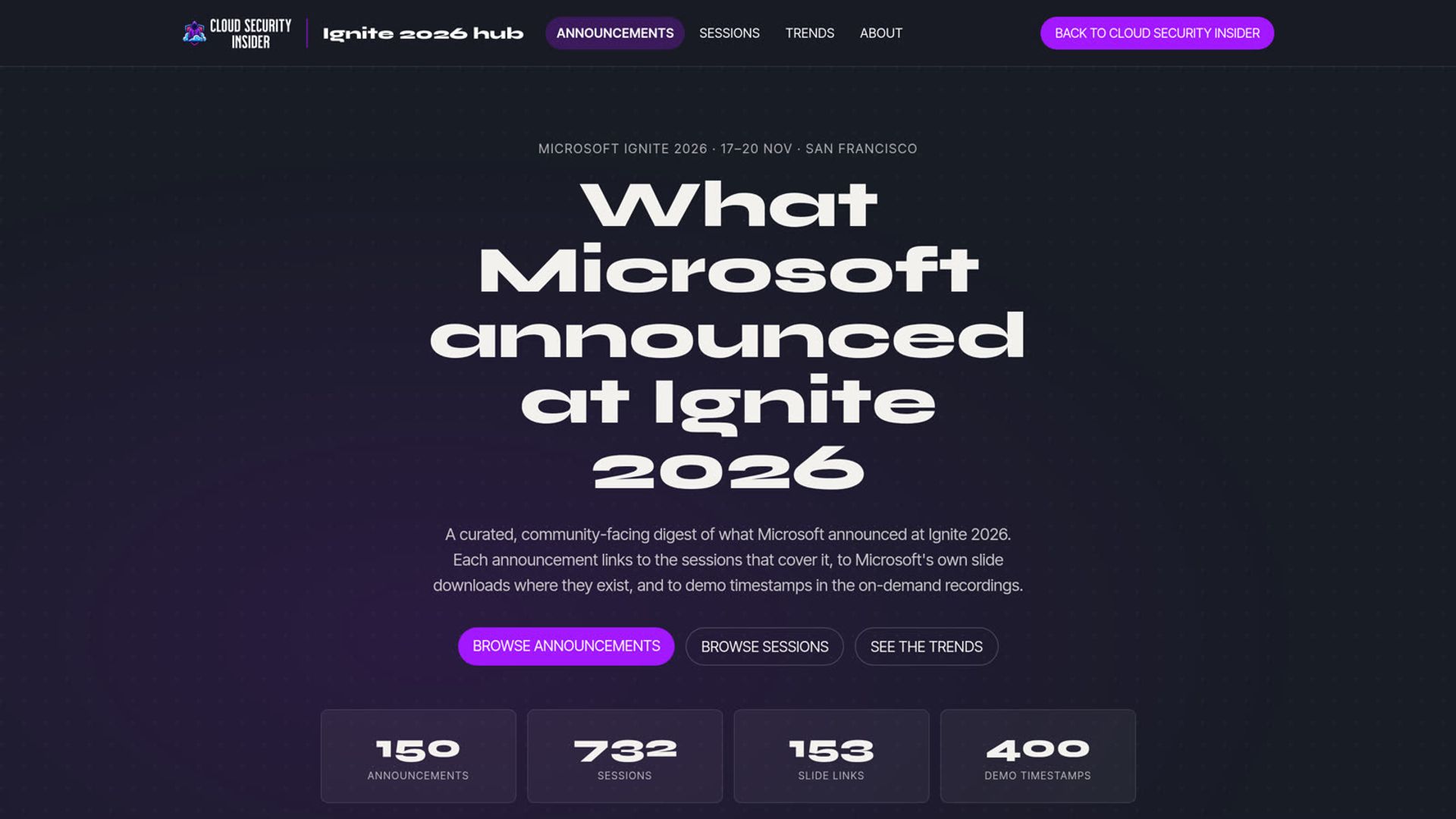
Introducing the Ignite 2026 Hub: Announcements, Sessions, Slides and Demos in One Place
Every year after Ignite I end up with the same problem. The Book of News, a stack of product blogs, hundreds of session recordings and a browser full of tabs. Working out which session covers which announcement, and where the useful demo is in a 45-minute recording, takes longer than it should.
So this year I’ve put it all in one place: the Ignite 2026 Hub. It’s free, it has no sign-up, and it’s meant for the whole community, whatever part of the Microsoft stack you work in.
What’s in the Hub
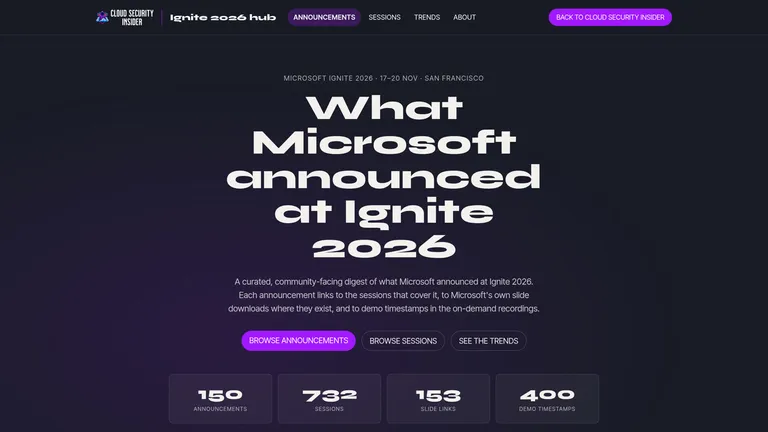
At the time of writing, the hub covers:
- 150 announcements from Ignite 2026, each with a short, neutral summary and a status such as generally available, preview or coming later.
- 732 sessions with an on-demand recording, many with a condensed summary and Microsoft’s own catalogue description.
- 153 slide links. These go to Microsoft’s own download or session pages, and no decks are hosted on the site.
- 400 demo timestamps across 149 sessions, so you can skip straight to the part of the recording you care about.
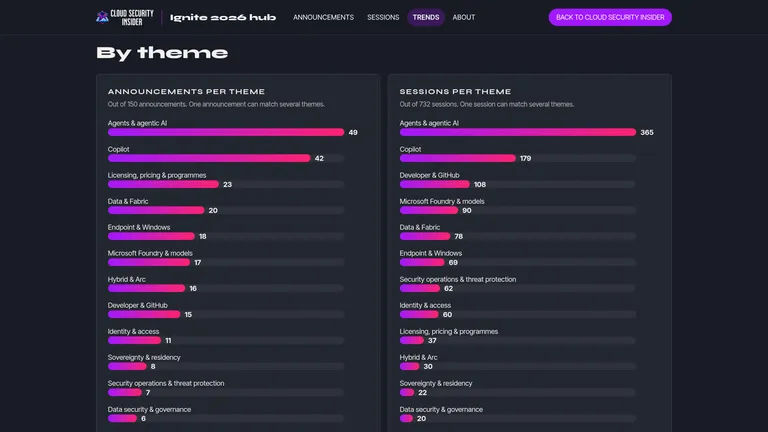
- A trends page that counts announcements and sessions by theme, area and status.
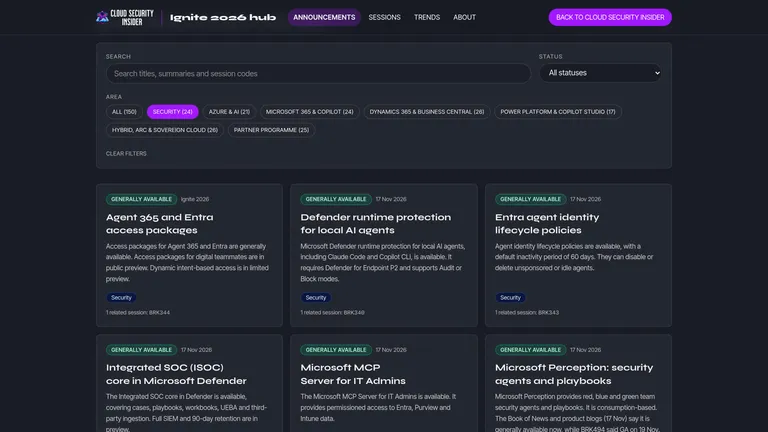
Announcements are grouped into seven areas: Security; Azure & AI; Microsoft 365 & Copilot; Dynamics 365 & Business Central; Power Platform & Copilot Studio; Hybrid, Arc & Sovereign Cloud; and Partner Programme.
How to Use It
Find the Announcements That Matter to You
The announcements page has a search box, a status filter and area chips. Pick an area, say Security, and the feed narrows to just those items. Each card links to the sessions that cover it.
Jump to the Demo
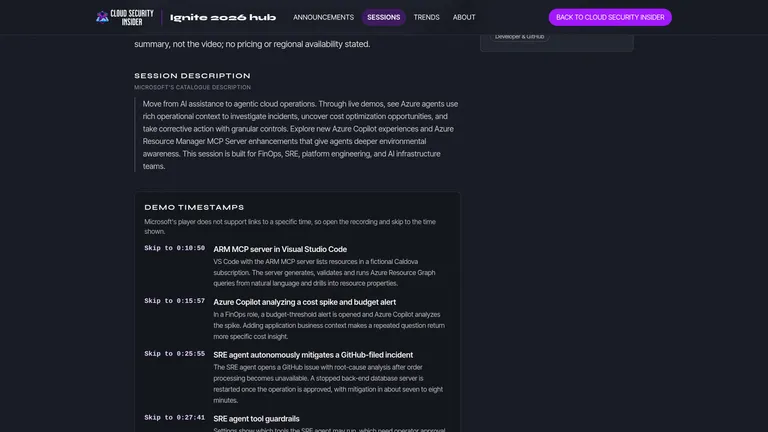
Each session page brings together the recording, the slides (where Microsoft has published them), a summary and the demo timestamps. Microsoft’s player doesn’t support links to a specific time, so open the recording and skip to the time shown. Timestamps can drift slightly if a recording is re-edited.
See Where the Emphasis Was
The trends page shows how announcements and sessions spread across themes and areas, with a short set of observations. Themes are assigned by keyword matching, so treat the figures as an indication of emphasis rather than precise measurement. The method is set out in full on the page.
How I Built It
I wanted to be open about this, as it was an experiment in itself.
- Gathering: during Ignite, AI agents collected announcements, session details, slide links and demo notes from Microsoft’s public sources into a set of practice repositories.
- Writing and code: I used Claude, via the Anthropic API, to draft the neutral summaries, to generate the site code (Astro 5 and Tailwind CSS 4), and to review the content for accuracy against the sources.
- Slides: the site links to Microsoft rather than copying decks. Where a deck is rights-protected, it links to the session page instead of a direct download.
- Hosting: Azure Static Web Apps on the Free tier, deployed by GitHub Actions, with a custom domain and a free certificate.
AI did a lot of the heavy lifting, but it isn’t perfect. Each summary is labelled with its source, and some are condensed from Microsoft’s own AI-generated session summaries rather than the recording. Please check the original source before relying on any detail, particularly availability, regions and pricing.
Feedback Welcome
If you spot a mistake or something that’s missing, let me know and I’ll correct it. I hope it saves you a few hours of catch-up.